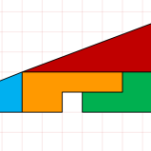
 Download today’s offering and quickly demonstrate to your loved ones the utter nonsense of these “disappearing square” problems!I’ve been trying to be more proactive in quickly producing content lately. This involves not only quickly noticing and noting ideas for posts and articles that I have, but actually getting them done quickly, without the paralysis of “feature creep”
Drawing-Zentraler Omnibusbahnhof München
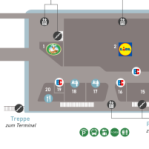 Today I’m sharing a drawing of a local transit station/shopping mall that I made with…Visio!
AV Engineering Diagrams with Symbol Logic ECAV
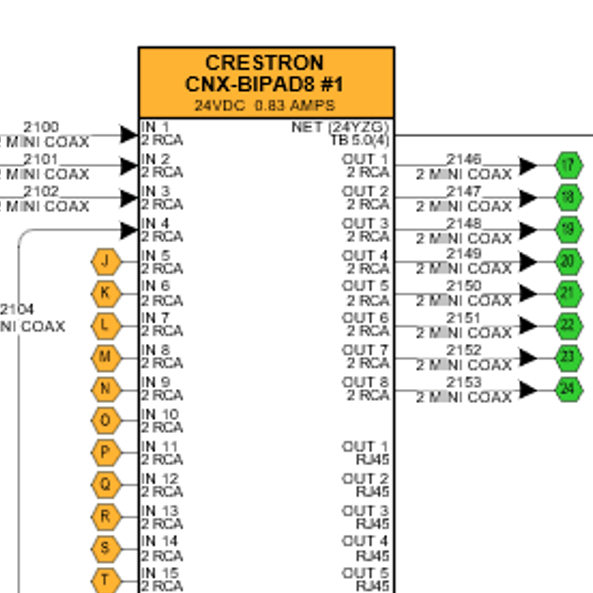 Today I’m sharing info about some of the companies that I do custom work for. If you’re interested in using Visio to create system integrator design and engineering drawings, then you’ll want to continue reading!
[Read more…] about AV Engineering Diagrams with Symbol Logic ECAV
Visio Radial Grid v3
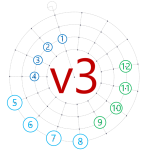 Readers have been requesting new features for v2 of the Radial Grid shape, so I’ve created a v3 for your shaping pleasure!
Visio Penrose Tile Shapes
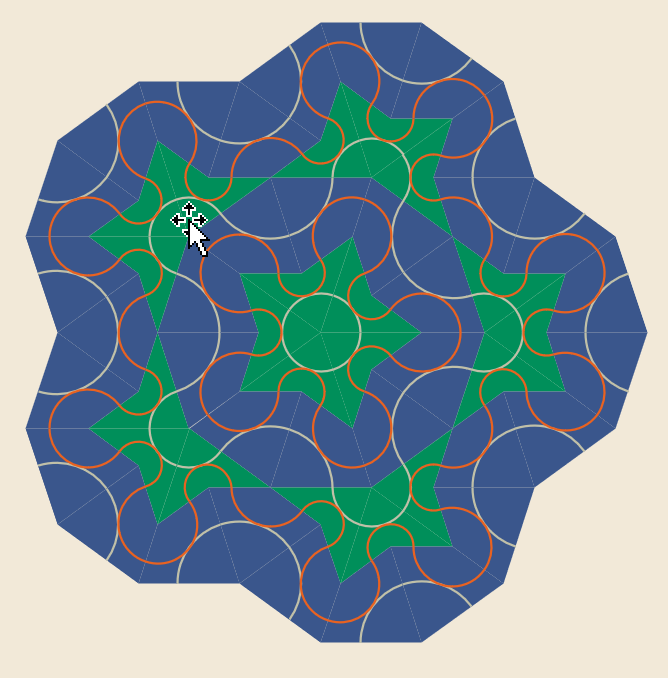 I watched an interesting video about Penrose Patterns on Veritasium’s YouTube page this morning. It inspired me to create this fun Visio diagram!
IKEA KALLAX Visio Elevation View Shape
 If you need to plan your next furniture rearrangement, this elevation-view, scaled IKEA KALLAX Visio shape might help you get the job done!
Moore’s Law Visualization
 An interesting idea for visualizing Moore’s Law came to me today while “watching the internet”. Come in, have a look, and grab the free download, if you want!
Draw the Virus with Boolean Operations!
 I wanted to share some tips about using Visio’s Boolean operations, and came up with this topical subject to do it!
Salesforce Schema Builder-style ERD Shapes
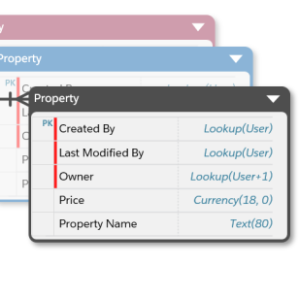 I’ve been working on a modified version of Visio’s built-in ERD shapes. They have a fresh look and streamlined features. I think you’ll like them!
[Read more…] about Salesforce Schema Builder-style ERD Shapes
Ordered List Shapes
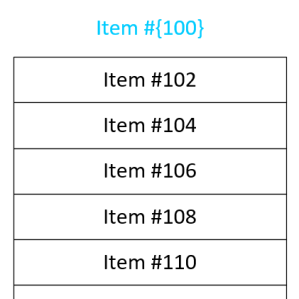 I frequently have the need to get text into separate boxes in Visio. And often I need those boxes to have some sort of incremented series, such as 1, 2, 3, or A, B, C. I’ve built some SmartShapes to help ease my pain, and I’m sharing them with you today!