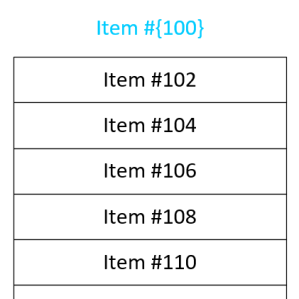
 I frequently have the need to get text into separate boxes in Visio. And often I need those boxes to have some sort of incremented series, such as 1, 2, 3, or A, B, C. I’ve built some SmartShapes to help ease my pain, and I’m sharing them with you today!
SmartShapes
Stroke-Dasharray Shape for Visio Custom Line Patterns
 Recent adventures with HTML, SVG and CSS have led me to create a new Visio SmartShape that will help you to easily define dash patterns for custom line patterns!
[Read more…] about Stroke-Dasharray Shape for Visio Custom Line Patterns
Visio Circle Arrows 2013
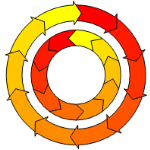 There’s a new arrows-on-circle Visio SmartShape for you to download. It plays nicely with Visio 2013 and newer versions.
Come on in and check it out!
Crayon Visio Network Shapes, Revisited

Looking at the number page views and download stats, the original Visio Crayon Network Shapes seem to be quite popular.
I’m happy to announce that they have been improved and extended! If you’re designing a new network or planning modifications to an existing network, these shapes are great for visually emphasizing that you are currently in the DESIGN STAGE ONLY, or this is JUST AN IDEA and that you don’t plan on working over the weekend to implement it just yet!
Visio SmartFace
 Visio People Shapes are very popular on this web site, and I just found an excuse to create some more!
Through the magic of Facebook and Twitter, I stumbled upon an interesting video from a very creative guy named Austin Kleon.
In the video, he shows us How to Draw Faces, using a humorously mathematical approach.
The technique translated quite well into a Visio SmartShape, which you can download here and use to add feeling and emotion to your diagrams!
Repeating Diamond Title Visio Shape
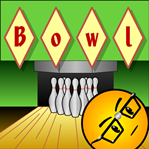 If you need a catchy title for your Visio diagram, then diamonds could be your best friend!
Today’s Visio SmartShape encases each character you type in it’s own individual diamond for that perfect Retro or Argyle look!
(Just what you were looking for, eh?)
Seattle Seahawks Visio SmartShape
Edit 2015 01 02: Congratulations NFC West Division Winners!
Edit 2014 02.02: Congratulations SuperBowl XLVII Champions!
Logos are fun, especially sports team logos!
The Seattle Seahawks logo is also perfect for showing off how Visio SmartShape behavior can be not only useful but cool and attractive.
Come on in and find out!
Visio Beer Maßkrug SmartShape
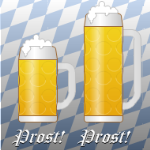 Fall has arrived and Oktoberfest has started here in Munich!
The world’s biggest beer festival started 200 years ago, so to commemorate the bicentennial, and involve you in the revel, we’ve created a Visio Beer Maßkrug SmartShape just for you!
Text Along a Connector’s Path in Microsoft Visio 2010
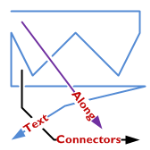
A feature lacking in Visio, like for-EVER, is the ability to align text along a connector’s path.
Now, Visio 2010’s new ShapeSheet functions and capabilities finally deliver.
Today we’ll show-off the cool new connector that I’ve developed for you, and get a very light technical explanation as to how it works!
[Read more…] about Text Along a Connector’s Path in Microsoft Visio 2010
Visio Spectrum Shape
 A rainbow spectrum can really liven-up a diagram and clarify a point that you are trying to make.
Whether you are trying to illustrate a broad band of choices or options, talking about a range of electromagnetic wavelengths, or going for the happy feeling that a rainbow gives, a colorful spectrum can help clarify your message.
Visio does not have multi-stop gradient fills that make spectra a no-brainer to create. With clever formatting and grouping, however, you can build a passable spectrum shape. But why bother doing it yourself when we’ve got a pre-built shape, waiting for you to download (for free)?
A visible-light spectrum can be used to illustrate many concepts. A few that come to mind:
- Electromagnetic waves
- Solar-energy concepts
- A range of choices
- A family of products
- Levels of threat to national security (stop laughing!)
- Sunshine on a cloudy day
Whatever you want to illustrate, our Visio spectrum shape is easy to use and quick to deploy.
Since the spectrum colors can be a bit overwhelming, I’ve added a feature to quickly set transparency and soften the effect. Just right-click the Visio spectrum shape:
You can easily set four levels of transparency. They look like this:
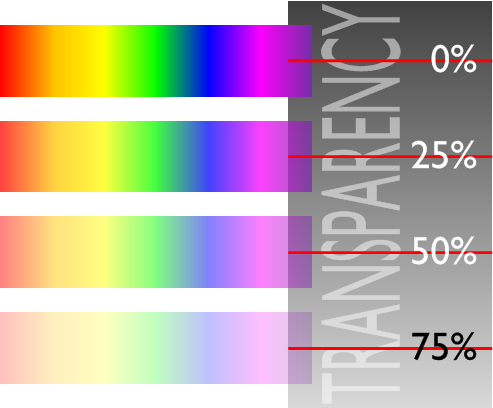
All in all, it’s a pretty simple shape to use.
Once you have mastered the spectrum shape’s features, you possess the power to create vision-destroying graphics like this:
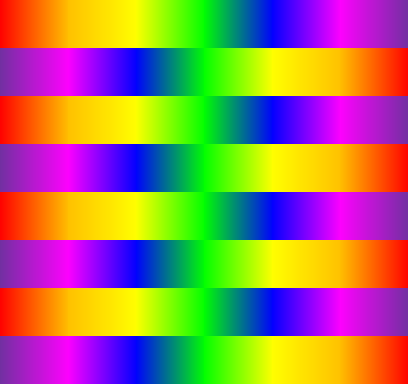
or this:
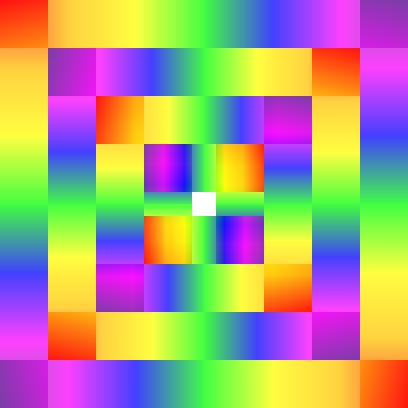
Sorry about that.
Stuff like this can be used to make sure your audience is paying attention when you present your next PowerPoint at Monday’s status meeting!
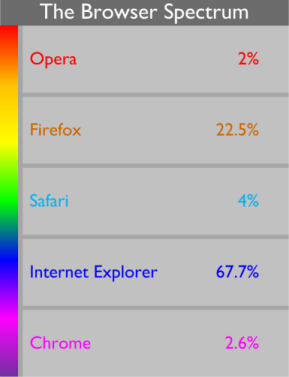
But if you must get real work done, then you could use the spectrum shape to enhance your business diagrams, as shown in this concoction:
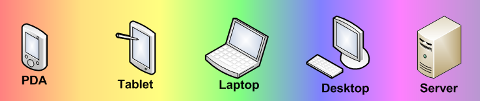
or this one perhaps:
Enjoy the spectrum shape!
Download “Visio Spectrum Shape”
s!Aj0wJuswNyXlhyiZlqlm5IuyTlsm – Downloaded 859020 times – 103.00 B