 Yay! It’s the weekend! Everyone’s checking facebook to see where Friday beer garden will be. And even if you’re not a facebook user, news of their IPO has surely crossed your browser. Ah, another bunch of filthy rich, young nerds in the valley! Enjoy those expensive Lego Technic and Mindstorms kits you can now afford, guys. You’ve earned them!
“But Visio Guy”, you may ask, “what does this have to do with Visio?”
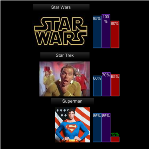
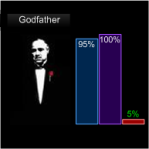 Today we’re going to talk about adorning Visio shapes with data graphics, and the extreme flexibility that Visio data graphics offer.
 If you are using Microsoft Forefront Client Security, and are documenting it in your Visio network diagrams, or if you dig Visio’s new Data Graphics features, or simply like brightly-colored, shiny new Visio shapes and then we’ve got an article and a download for you!
 This morning I was thumbing through one of