 Visio 2013/16 and newer have added wonderful formatting effects. But how they modify your shapes can be a bit strange. I’ve figured out a few of the odd cases and would like to share my findings with you!
Artistic Effects
Illustrating a Hole in a Cylinder
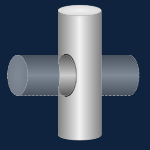 Visio is a 2D drawing and diagramming application that doesn’t support 3D modeling functions. But if you like to draw and aren’t afraid of advanced functionality, you can create some decent affects and save the expense/learning curve of other programs.
Crayon Visio Network Shapes, Revisited
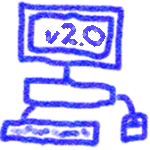
Looking at the number page views and download stats, the original Visio Crayon Network Shapes seem to be quite popular.
I’m happy to announce that they have been improved and extended! If you’re designing a new network or planning modifications to an existing network, these shapes are great for visually emphasizing that you are currently in the DESIGN STAGE ONLY, or this is JUST AN IDEA and that you don’t plan on working over the weekend to implement it just yet!
Repeating Diamond Title Visio Shape
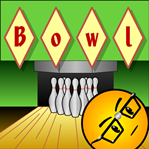 If you need a catchy title for your Visio diagram, then diamonds could be your best friend!
Today’s Visio SmartShape encases each character you type in it’s own individual diamond for that perfect Retro or Argyle look!
(Just what you were looking for, eh?)
Visio Wood Grain Fill Pattern
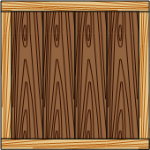 One of my customers asked me about wood-grain fill patterns for Visio.
I had thought that Visio shipped with some wood-grain custom patterns, but when I went looking, I didn’t find much.
So…
Get Web Hex Color Values from Visio Shapes
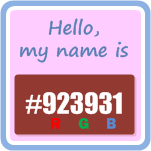 Web designers and AI folks need to know what colors they are using. And they need to know precisely.
Bright red, Fuchsia and Mauve just won’t do. They need exacting names like: #FF0000, #FF00FF and #E0B0FF.
Since more and more folks are using Visio for prototyping web sites and user interfaces, I thought it might be useful to create a SmartShape that displays the hexadecimal color value for a particular shape.
[Read more…] about Get Web Hex Color Values from Visio Shapes
3D Beveled Button Visio Smart Shape
Need a sophisticated 3D button shape for your Visio presentations?
Whether you need to indicate buttons, highlights, important notes, corrections, status lights, or just cool visuals, this highly-capable Visio SmartShape will make your Visio diagrams pop off the page!
Visio Tutorial: Advanced Fill Effects
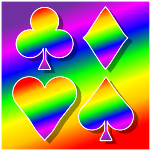 While I was writing about the Visio Spectrum Shape the other day, I started thinking about the various ways that you could use this eyesore fabulous explosion of color in your own Visio SmartShapes.
While the spectrum offers a rainbow of tints, it only comes in one form: RECTANGLE. So what if you want to spice up some arrows, or circles, or…flowchart shapes?
Visio Spectrum Shape
 A rainbow spectrum can really liven-up a diagram and clarify a point that you are trying to make.
Whether you are trying to illustrate a broad band of choices or options, talking about a range of electromagnetic wavelengths, or going for the happy feeling that a rainbow gives, a colorful spectrum can help clarify your message.
Visio does not have multi-stop gradient fills that make spectra a no-brainer to create. With clever formatting and grouping, however, you can build a passable spectrum shape. But why bother doing it yourself when we’ve got a pre-built shape, waiting for you to download (for free)?
A visible-light spectrum can be used to illustrate many concepts. A few that come to mind:
- Electromagnetic waves
- Solar-energy concepts
- A range of choices
- A family of products
- Levels of threat to national security (stop laughing!)
- Sunshine on a cloudy day
Whatever you want to illustrate, our Visio spectrum shape is easy to use and quick to deploy.
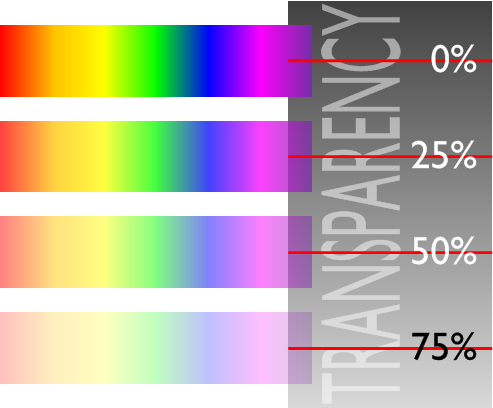
Since the spectrum colors can be a bit overwhelming, I’ve added a feature to quickly set transparency and soften the effect. Just right-click the Visio spectrum shape:
You can easily set four levels of transparency. They look like this:
All in all, it’s a pretty simple shape to use.
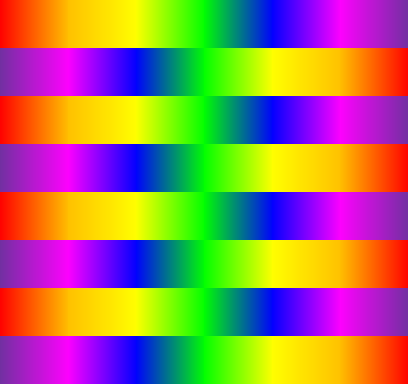
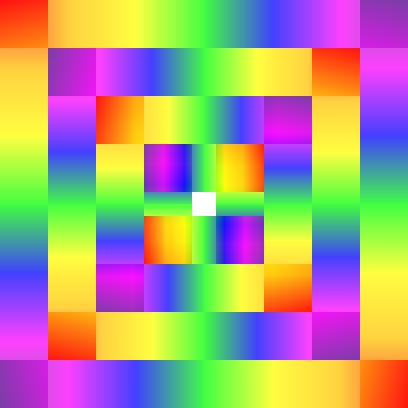
Once you have mastered the spectrum shape’s features, you possess the power to create vision-destroying graphics like this:
or this:
Sorry about that.
Stuff like this can be used to make sure your audience is paying attention when you present your next PowerPoint at Monday’s status meeting!
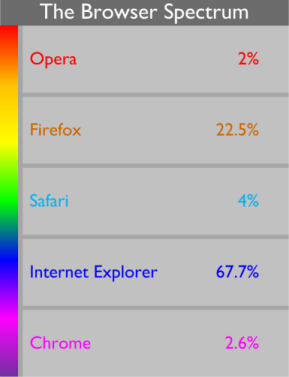
But if you must get real work done, then you could use the spectrum shape to enhance your business diagrams, as shown in this concoction:
or this one perhaps:
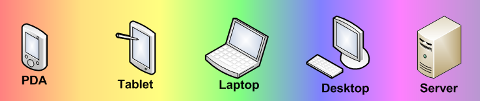
Enjoy the spectrum shape!
Download “Visio Spectrum Shape”
s!Aj0wJuswNyXlhyiZlqlm5IuyTlsm – Downloaded 859020 times – 103.00 BVisio Squircles
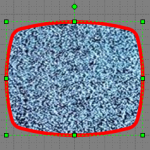 A couple weeks ago, I briefly glanced at my annoying Facebook page and noticed that people were commenting on the “new look”, which I was fortunate enough to not notice.
What did catch my eye was a comment from one friend, who noted; “Hey, the new Facebook has squircles!” Then another replied; “Yes, squircles are so Web 2.0!”
Naturally I was put off by how folks try to Out-clever-two-point-oh each other on Facebook, but I was nonetheless curious about squircles, because they sounded…well…visual!