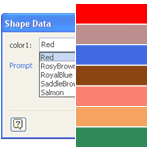
Do you have shapes that contain multiple colors that you’d like to easily change?
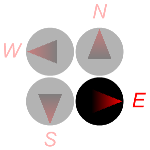
Wouldn’t it be neat to be able to specify those colors in Shape Data fields, along with other parameters for the shape?
Visio’s Shape Data fields don’t directly support colors, but I’ve come up with a workaround. You can read how I did it, or just get the download and re-use what I’ve already built!
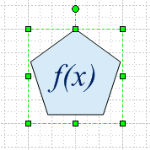
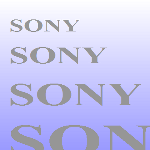 A common question from budding Visio SmartShape developers is: “How do I get my text to resize with the shape?” Well, there are a few typical responses to that question, but this article focuses on a very simple method that you can use for text that does not change. So if you’re building shapes with company logos, digital readouts, or something similar, then read on!
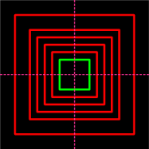
 We see quite often in Visio’s newsgroups the question; “how do I get my font size to change with the size of my shape?” We’ll tackle that issue with some nifty ShapeSheet formulas, and a bit of philosophizing. So pull up a chair and a warm cup of coffee…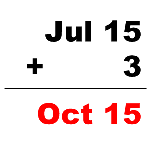
 Happy New Year 2007 Visio Fans!
 Cori who writes the blog Elliptical… wrote this
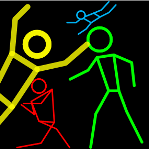
 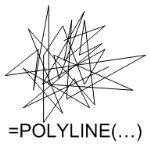 Sometimes your Visio SmartShapes can be like beauty pageant contestants: they just need to look good, but don’t need a lot of intelligence. The creators of Visio realized this (after five versions) and gave us a way to streamline lots of “dumb” vector data. The ShapeSheet function: POLYLINE and the geomettry row: PolyLineTo will help you get the job done.
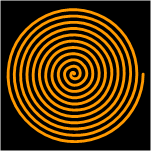 Ever need a spiral shape? I just found one buried on my hard-drive — something I whipped up years ago, and modified last year. You can download it here.